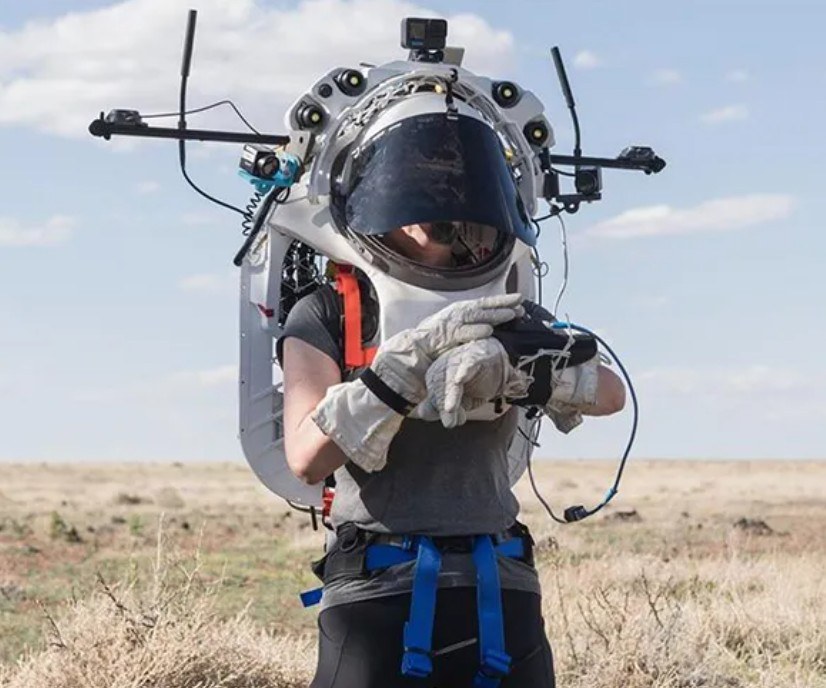
Digital Technologies is an exciting and valued part of learning at Bellbrae Primary School. Our Digi-Tech program provides students with opportunities to be creative, curious and confident users of digital tools, while developing important skills in problem-solving, collaboration and design. We believe that students learn best when they are actively engaged in hands-on, meaningful tasks that encourage them to think critically, experiment, create and reflect.

Foundation through to Grade Six students engage in a range of digital learning experiences that build their confidence and capability with technology. Students learn to use digital tools to create, communicate, design and solve problems in a fun and purposeful way. Across the school, students explore a variety of digital technologies including coding, digital drawing, animation, multimedia creation, basic robotics and 3D design. They are encouraged to think like designers, work through the design thinking process and use their creativity to develop solutions to real and imagined problems. Students also learn about the safe and responsible use of technology, with a strong focus on cyber safety.

At Bellbrae Primary School, Digi-Tech is taught through engaging lessons, rich digital experiences and opportunities for students to explore a wide range of digital platforms and applications. Students are given the chance to collaborate, innovate and showcase their learning in ways that are relevant and exciting. Through Digital Technologies, we aim to equip students with the confidence, skills and mindset to thrive in an increasingly digital world.

Use the menu below to explore a range of Digital Technologies activities and learning resources

Typing Club
Typing Club: Learn touch typing for free. Students already have a login, linked to their google account.
Mini Mouse
Mini Mouse: This very simple game teaches kids to move the mouse and click.
Canva
Create eye-catching posters, presentations and graphics.
Google Drawings
Create and share digital drawings with ease.
Tinkercad
Design and create your own 3D objects.
Scratch
Create your own games, animations and stories.
Lightbot
Solve puzzles by guiding a robot with code.
Code Academy
Learn to code with fun, guided activities.
Code.org
Learn coding through fun games and activities.
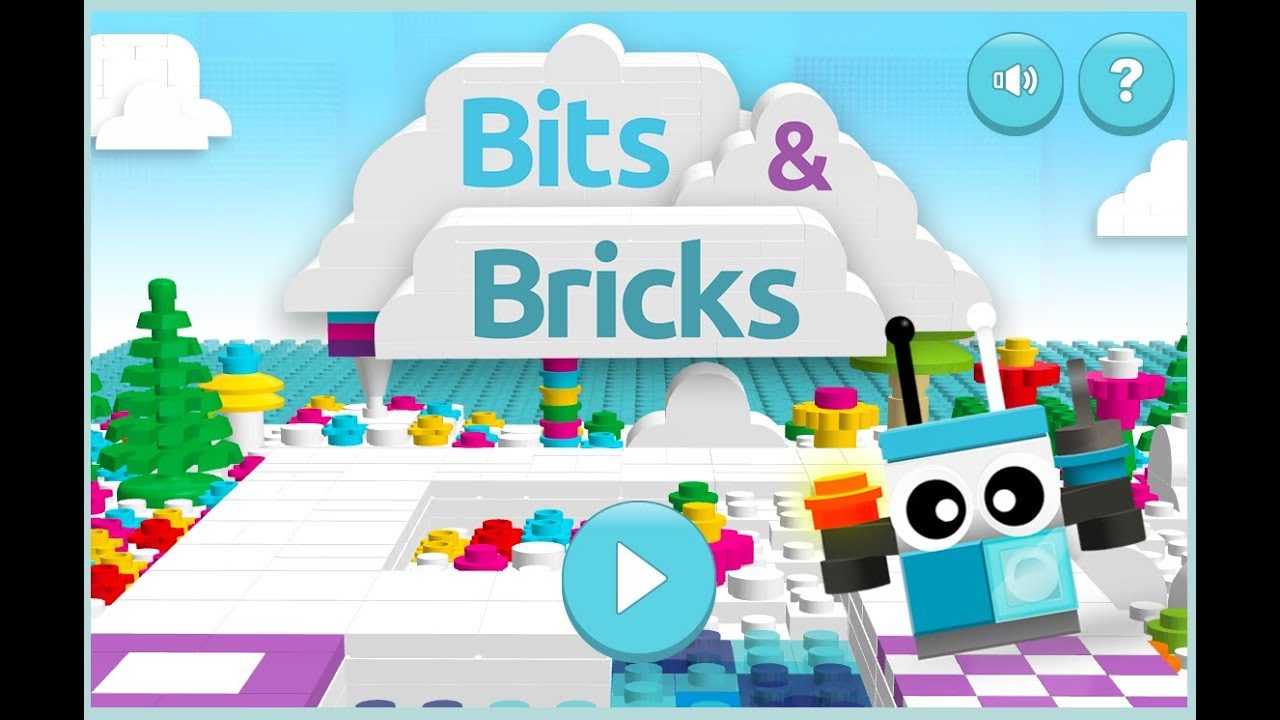
Bits and Bricks
Code LEGO robots and solve fun challenges.
A Century of Changes
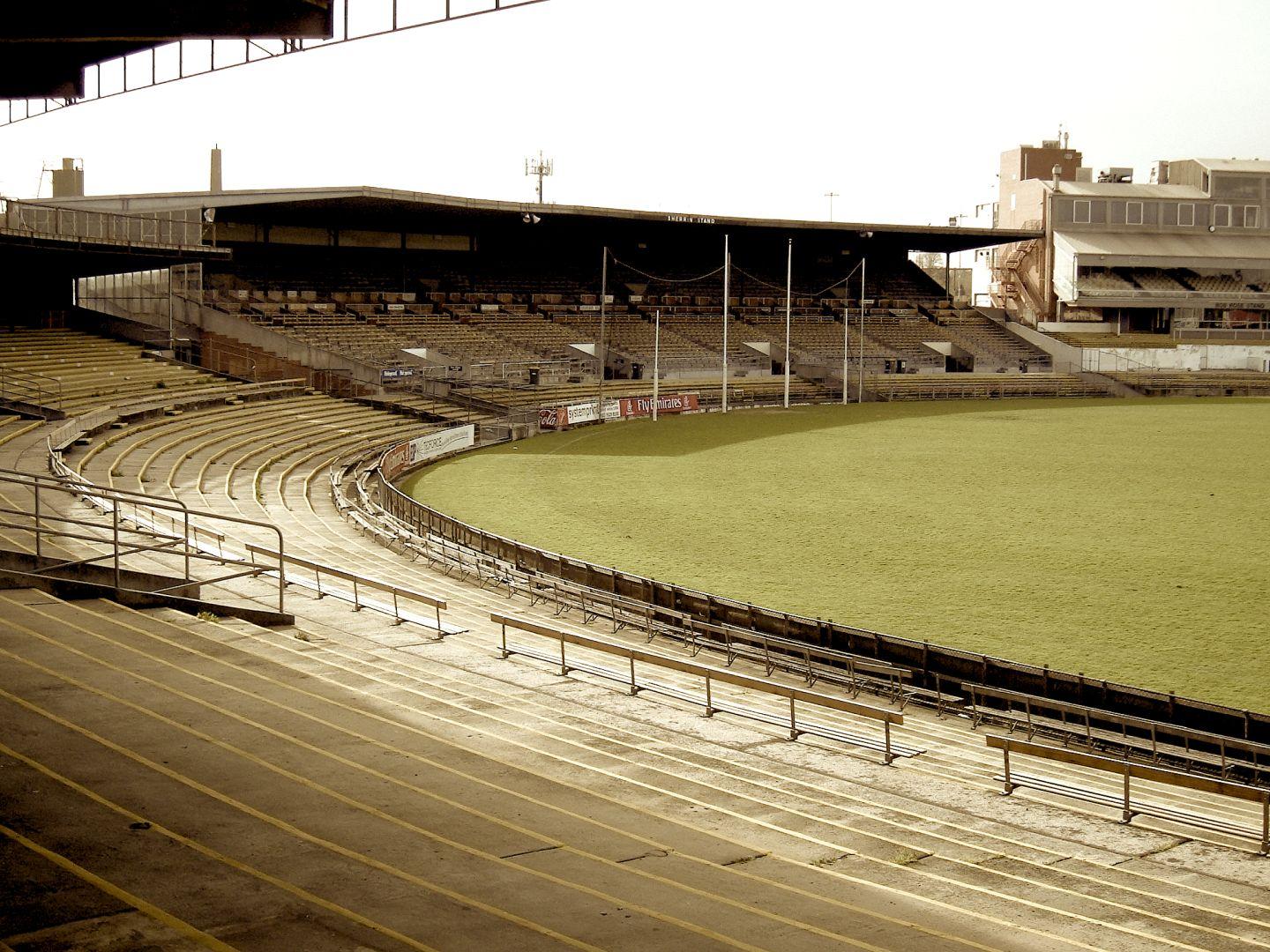
A Century of Changes: Investigate the evolution of AFL/VFL equipment over the last century. In your investigation you should consider playing uniform and equipment, as well as stadium and ground equipment such as scoreboards, retractable roofs, ground irrigation systems etc. Can you make a list of equipment and the changes that have occurred over time?
Team Banner
Team Banner: Create a digital version of an AFL-type cheer squad banner for your school football team. Suggested apps: Google Drawings, Google Slides, Keynote, Freeform
GPS in AFL
GPS in AFL: Investigate the use of GPS (Global Positioning Systems) in AFL football. Discuss and present about how this information system could also support personal needs and impact on others, outside of football.
Recommendations for AFL.com.au: Compare the AFL website with websites of other international sporting bodies (cricket, soccer, rugby, surfing, netball). Explore and compare the elements of of each, for example, navigation links on the left and top of web pages as well as how easy it is to use. What are the differences and similarities? Do you have any recommendations for the AFL website?
To post or not to post? Consider the following scenario: You have taken a photo of a high profile AFL footballer grocery shopping with his partner and young children – What should you do with it? What ethical issues should be considered when deciding to post the image on social media for public viewing? What is fair and just? Justify whether or not to publish the image.
Breaking News: Imagine you are a field reporter for a media outlet (e.g Fox Footy) that reports on AFL football. They have captured film and photos at a news press conference and need to get it on the media website as quickly as possible. Provide a step-by-step sequence on how to do this. You should identify and explain different ways images and footage can be transferred from a mobile device to a computer.
The Most Popular Is... Students conduct a survey on which AFL team is the most popular at their school. Create survey in a digital format such as Google Sheets or Microsoft Excel. They should consider how they can make their survey as interactive as possible.
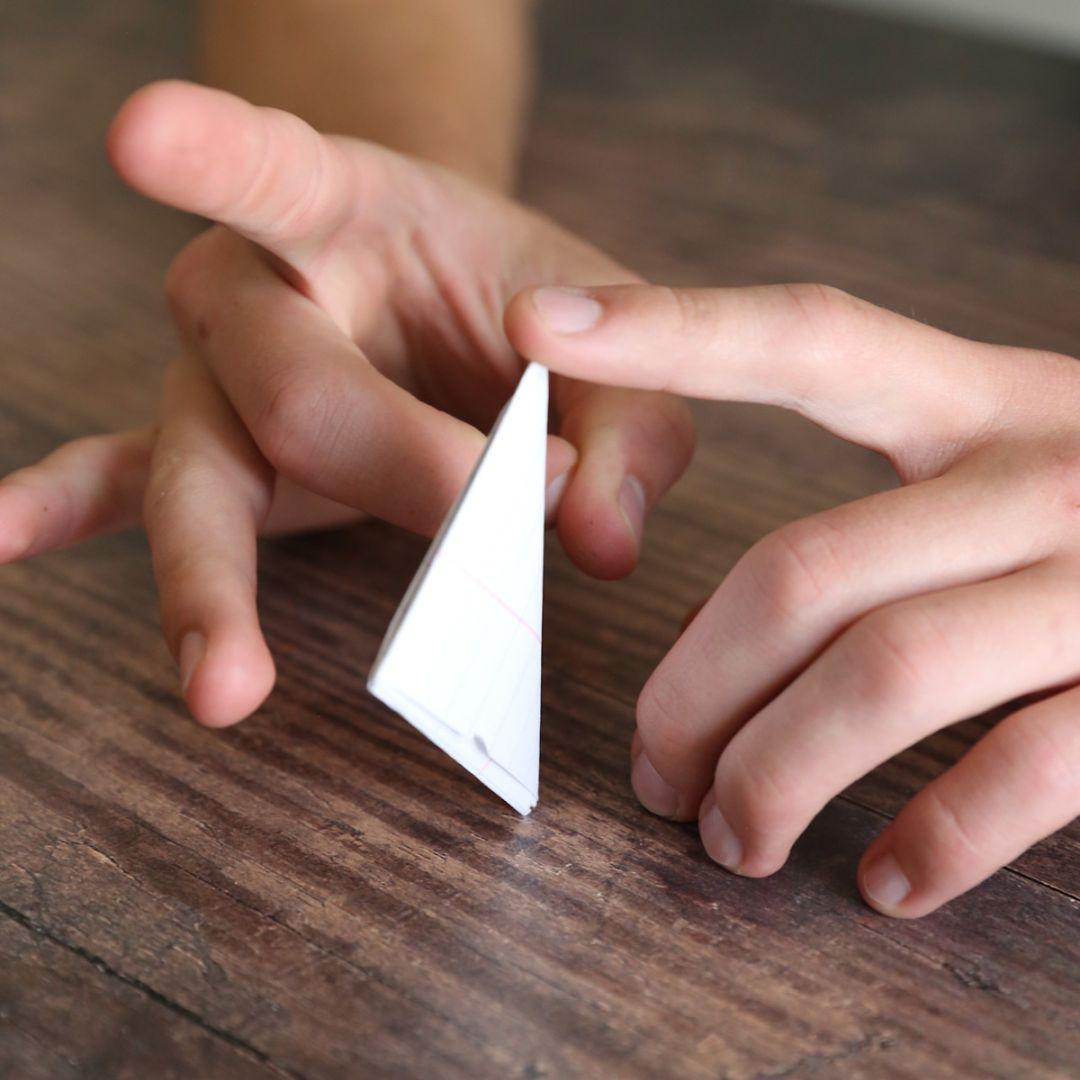
How will we play? Have students organise a football playing activity only using non-football items in their classroom. What will they use as a football, goalposts etc? Are their choices safe to use? Can you test options before making decisions. Students should justify their ideas and present on a digital platform.
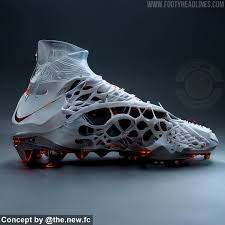
New and improved football boot: Students investigate the materials used and the design of an AFL football boot. They then develop an alternative material and design. Consider the implication for the production process if their ideas were accepted by the AFL (is this resource readily available, cost?)

NASA has created a bunch on STEMonstrations and lesson plans that can be accessed. Some great activities are directly linked below. Follow this link to see all Digi-Tech related NASA activities!
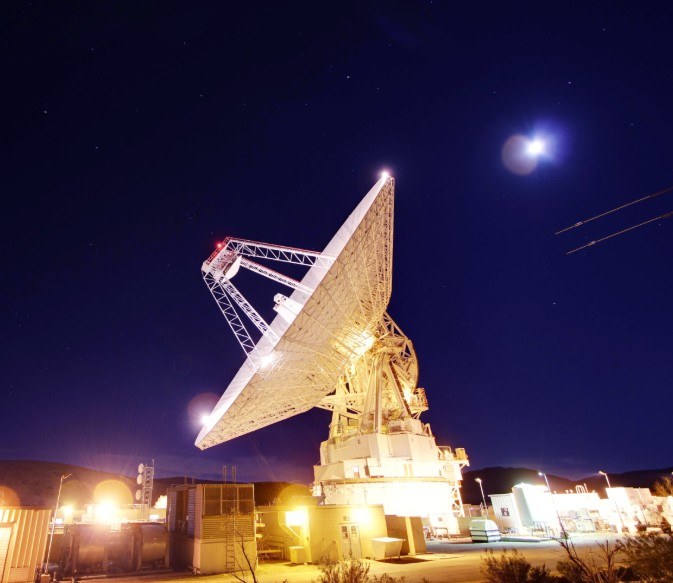
Deep Space Networks Activity
Decoding Space Images
Heads Up Display Activity
Sensor Solutions Activity

The following Digital Technologies resources are available for staff and students to borrow from the Digi-Tech storeroom. Teachers are welcome to use them in their classrooms, and students may borrow selected items with their teacher's permission.
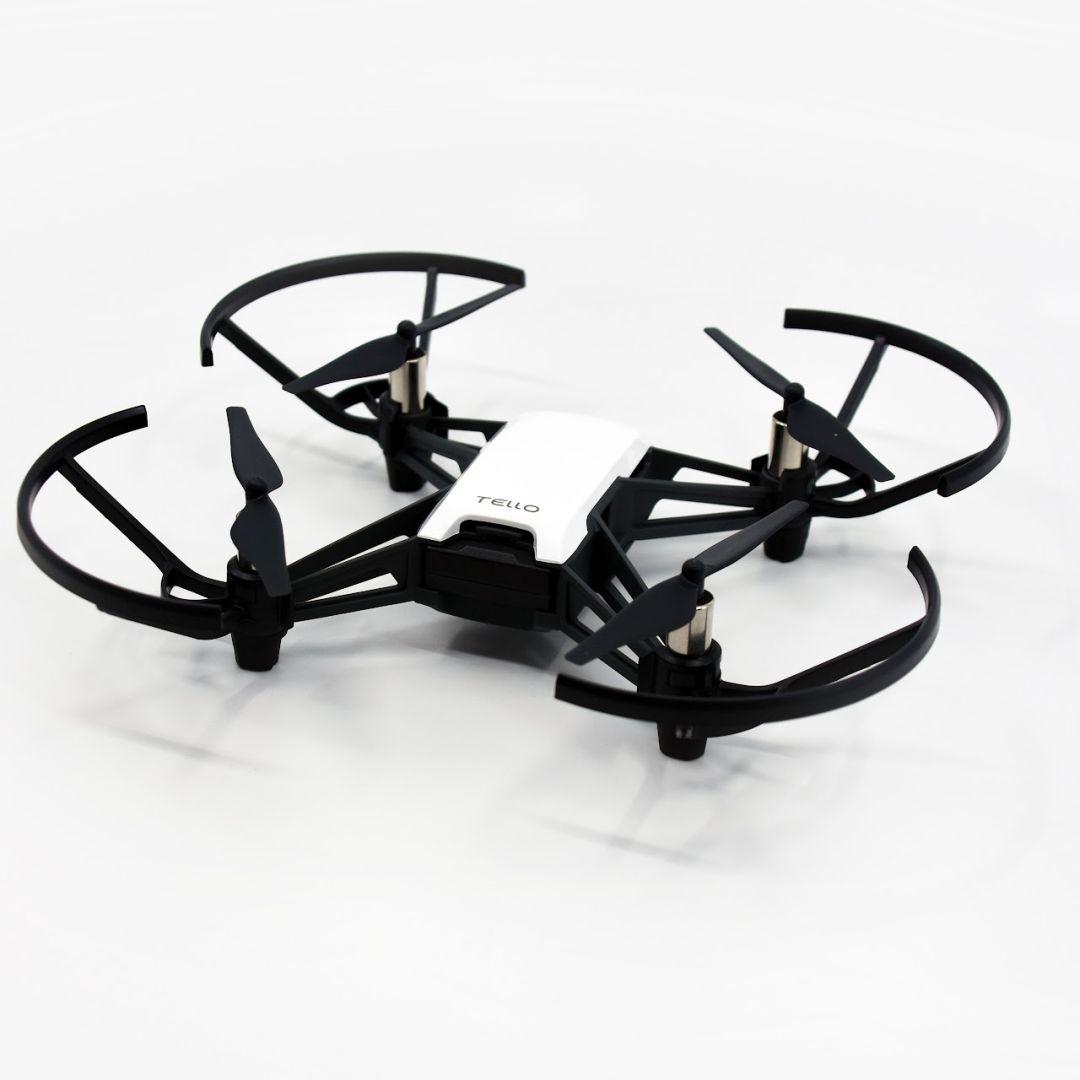
Drones: Tello Drones x 12

Osmo: Osmo packs including Maths Wizard bundles

Circuits: Circuitry equipment including switches, batteries and lights

Laser Maze: Laser Maze and Laser Maze Jnr sets

Laptops: Available to borrow at selected times throughout the week.

Ipads: Available to borrow at selected times throughout the week.